



Why Does My Golf Cart Overheat? Motor & Battery Solutions

Golf cart overheating happens when motors, batteries, or controllers exceed safe operating temperatures. Most cases stem from overloaded batteries, failing motors, blocked airflow, or controller issues. Simple maintenance prevents 80% of heat problems, but ignoring symptoms can destroy expensive components.
Your golf cart overheats because one of three systems is working too hard: the motor, batteries, or speed controller. In electric carts, 70% of overheating issues trace back to aging batteries forcing the motor to draw excessive current. Gas carts? Cooling system failures and low oil levels are the usual suspects.
The good news: Most overheating problems show warning signs weeks before causing permanent damage. And you can diagnose the issue in under 30 minutes with basic tools.
Quick Diagnosis Checklist
Start with the most common causes—ranked by frequency based on thousands of cart repairs:
- Weak or sulfated batteries (45% of electric cart overheating)—batteries can’t deliver power efficiently, forcing motor to strain
- Overloaded cart (20%)—exceeding weight capacity or aggressive hill climbing
- Low motor brush contact (15%)—worn carbon brushes create resistance and heat
- Controller heat sink blockage (10%)—dust and debris prevent controller cooling
- Inadequate ventilation (5%)—aftermarket enclosures or modifications block airflow
- Faulty speed controller (3%)—internal component failure causes inefficient power delivery
- Incorrect tire pressure (2%)—under-inflated tires increase rolling resistance
How Do I Know If My Batteries Are Causing Overheating?
Symptoms: The motor gets hot after 15-20 minutes of normal use. Battery tops feel warm to touch (above 125°F). You’re getting reduced runtime, sluggish acceleration even on flat ground, and batteries need water refills more often than they used to.
How to Test: Fully charge your cart overnight. Before your first use the next day, check individual battery voltage with a multimeter.
Each 6-volt battery should read 6.3-6.4V, each 8-volt should read 8.4-8.5V, and each 12-volt should read 12.6-12.8V. Now drive the cart for 10 minutes at normal speed. Immediately recheck voltages.
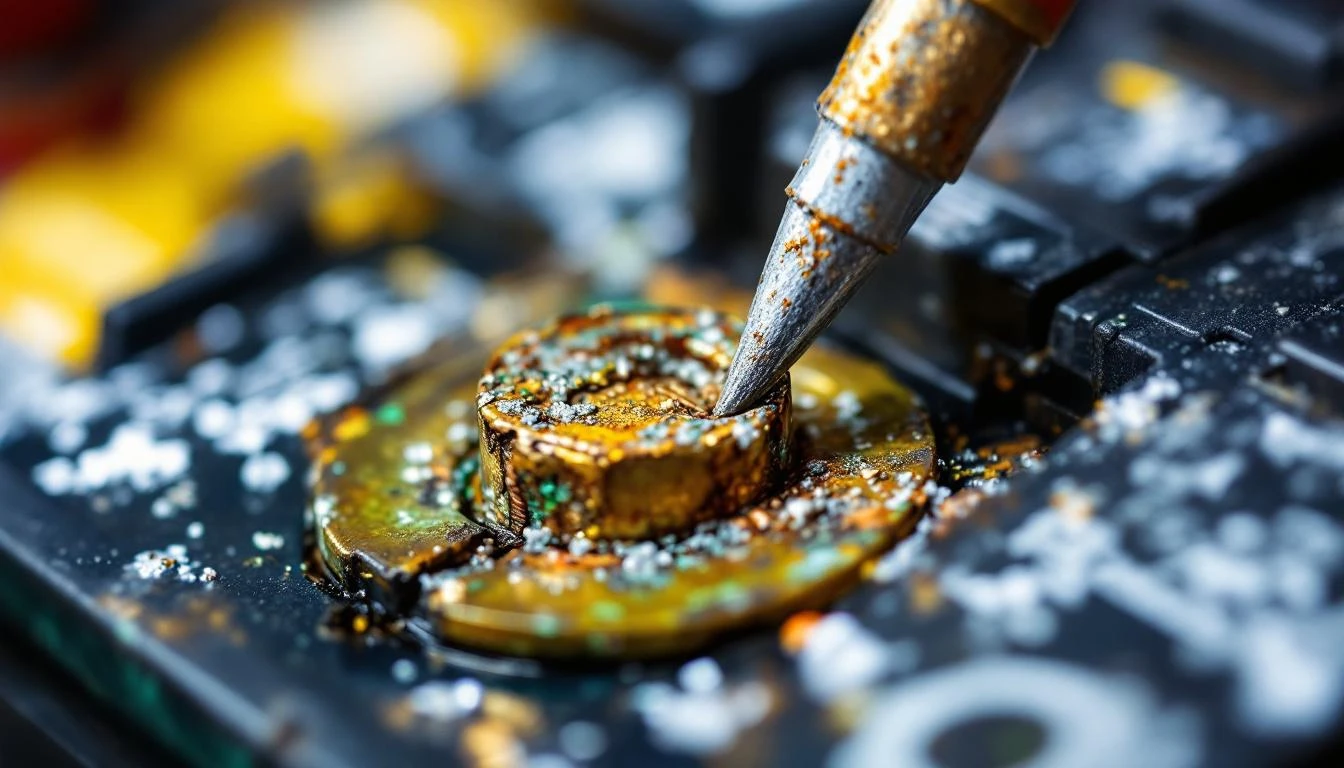
If any battery drops more than 0.3V below the others, that’s your problem. Or if any battery reads below 5.8V (for 6V), 7.8V (for 8V), or 11.8V (for 12V), that battery is failing.
Next, check for sulfation. Remove battery caps and look inside with a flashlight. Gray or white crusty buildup on the plates? That’s sulfation—a killer of battery efficiency that forces your motor to work harder and generate excess heat.
How to Fix: If only one or two batteries test weak, you might be tempted to replace just those. Don’t. Mixing old and new batteries creates imbalanced power delivery and accelerates failure.
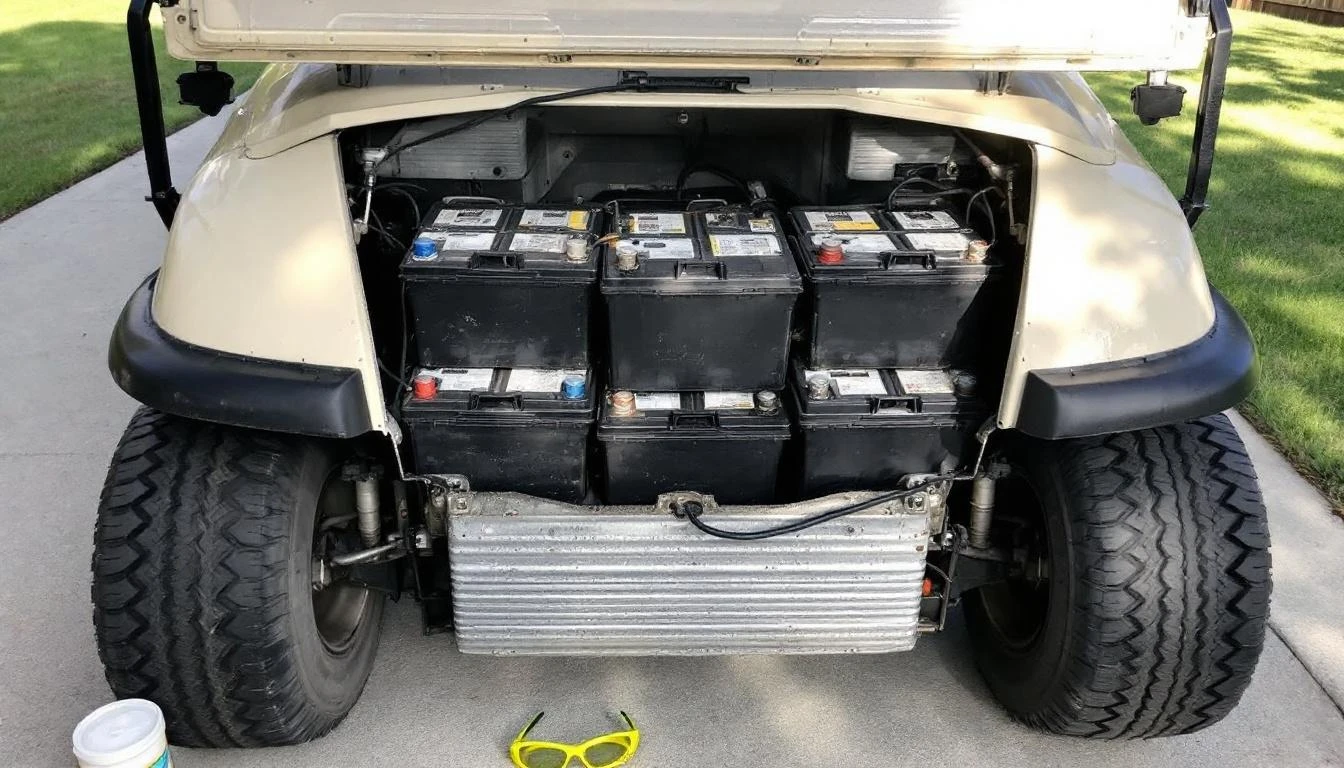
Replace the entire battery pack as a set. For Club Car DS/Precedent models using six 8-volt batteries, budget $900-1,200 for quality replacements. EZGO TXT/RXV carts using six 6-volt batteries run $700-900. Yamaha G-series carts vary by year but typically use similar configurations.
Safety Warning: Battery replacement involves heavy lifting (each battery weighs 50-65 lbs) and electrical connections. Always disconnect the main negative cable first. Wear safety glasses and work in a well-ventilated area. Battery acid is highly corrosive—keep baking soda and water nearby to neutralize spills.
Difficulty: Moderate | Time: 2-3 hours for complete pack replacement
Is My Electric Motor Failing and Causing Heat?
Symptoms: Motor housing too hot to touch (above 150°F), burning smell from motor area, unusual buzzing or grinding noise. Intermittent power loss. Or visible sparking through motor ventilation slots.
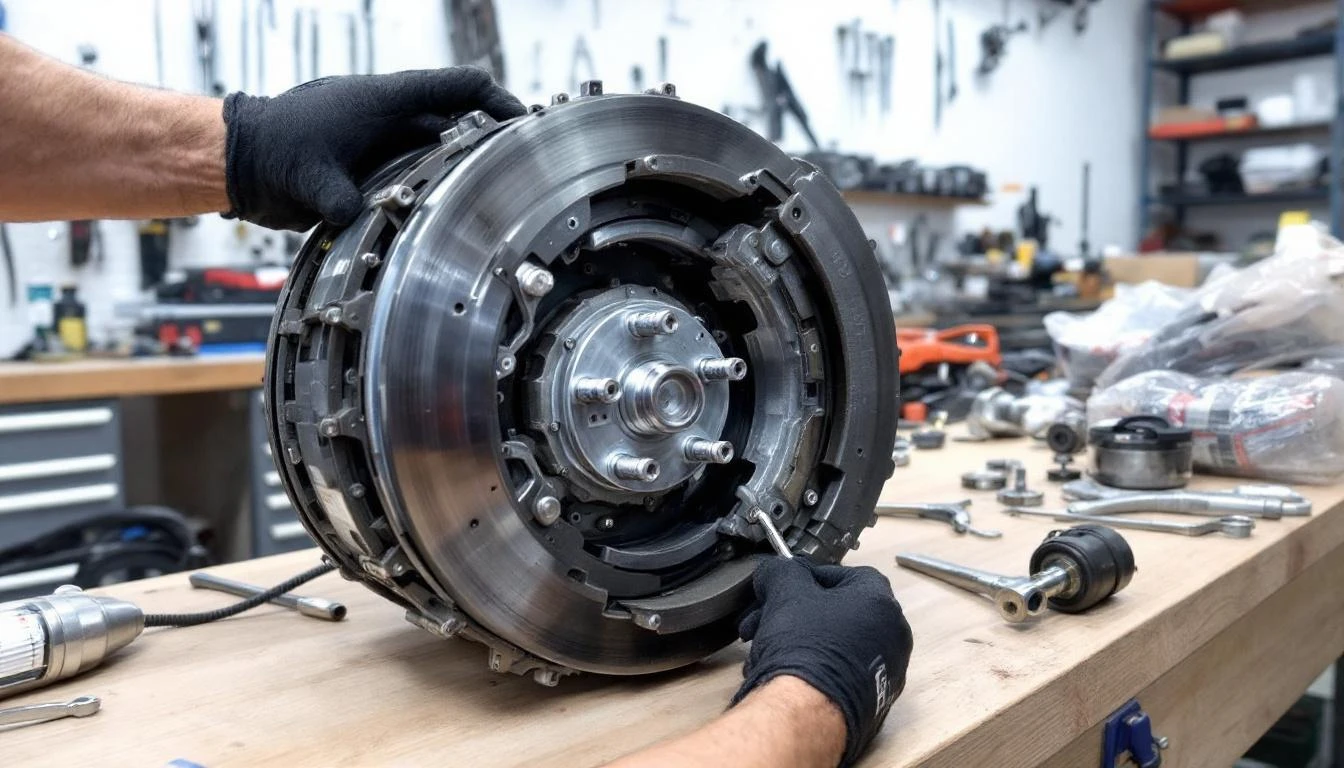
How to Test: With the cart off and cooled down, inspect the motor brushes. On Club Car motors, remove the two brush caps on opposite sides of the motor housing.
The carbon brushes should be at least 1/2 inch long. If they’re worn below 1/4 inch, they’re causing excessive resistance and heat. Check for blue discoloration on the commutator (the copper ring the brushes contact)—this indicates overheating damage.
Test motor bearing condition by manually spinning the motor shaft (with the cart’s key removed and main battery disconnect off). It should spin freely with no grinding, wobbling, or tight spots. Any resistance indicates bearing wear that creates friction and heat.
Use an infrared temperature gun during operation. Run the cart for 5 minutes, then immediately measure motor housing temperature. Above 175°F indicates a problem. Above 200°F means stop using the cart immediately to prevent permanent damage.
How to Fix: For worn brushes: Replace both brushes as a set—they’re affordable ($15-30) and take 30 minutes to swap. Club Car and EZGO use similar brush designs but verify your model year. Yamaha G14-G22 motors use a different brush holder configuration.
For bearing failure or commutator damage: Motor rebuild or replacement is necessary. A professional rebuild costs $300-500. A remanufactured motor replacement runs $400-700 depending on brand.
You can find Club Car replacement motors and complete motor assemblies through our parts catalog.
Difficulty: Brush replacement: Easy | Motor replacement: Advanced | Time: Brushes: 30 minutes | Motor: 3-4 hours
Could My Speed Controller Be the Heat Source?
Symptoms: Controller heat sink extremely hot to touch. Erratic speed control. Sudden power cuts followed by restoration, burnt electronic smell, or error codes on digital displays (F1, F2, or F4 on Club Car IQ systems).
How to Test: Locate your controller—it’s usually under the seat or in the front cowl area. The controller is a rectangular metal box with large cables attached and aluminum cooling fins.
After 10 minutes of driving, carefully touch the heat sink fins. They should be warm (100-130°F) but not painfully hot. Above 150°F indicates a problem.
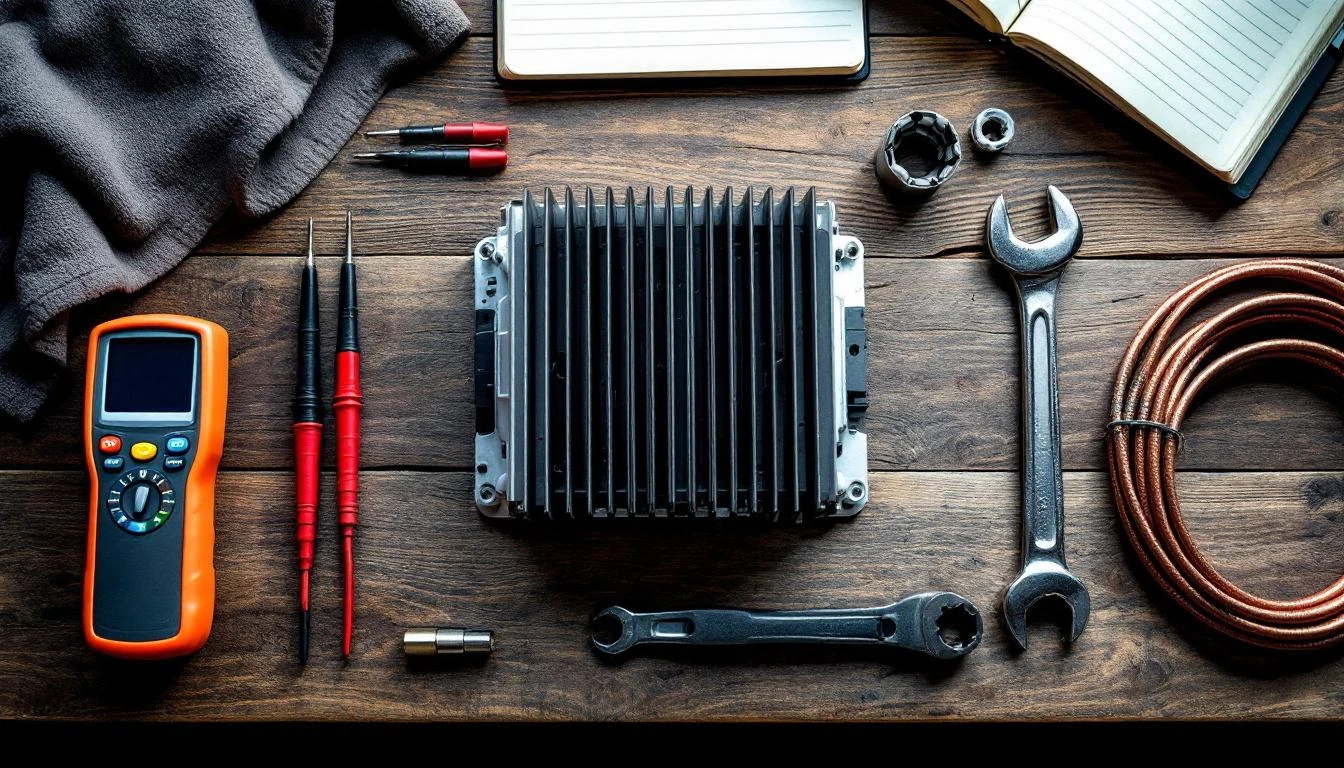
Inspect the heat sink fins for debris, mud, grass clippings, or wasp nests—yes, wasps love the warm, protected spaces in controllers. Blocked fins prevent heat dissipation and cause thermal shutdown. Check that cooling fan (if equipped) spins freely and operates when the cart is running.
For carts with digital displays, check for stored error codes. On Club Car Precedent IQ systems, turn the key on without pressing the accelerator. If the display shows F1 or F4, the controller detected an over-temperature condition.
How to Fix: Start simple: Clean the controller heat sink with compressed air and a soft brush. Remove any enclosures or covers blocking airflow. Verify at least 2 inches of clearance around the controller for ventilation.
If cleaning doesn’t resolve overheating, the controller likely has internal component failure. Controllers are complex solid-state devices—repair isn’t practical.
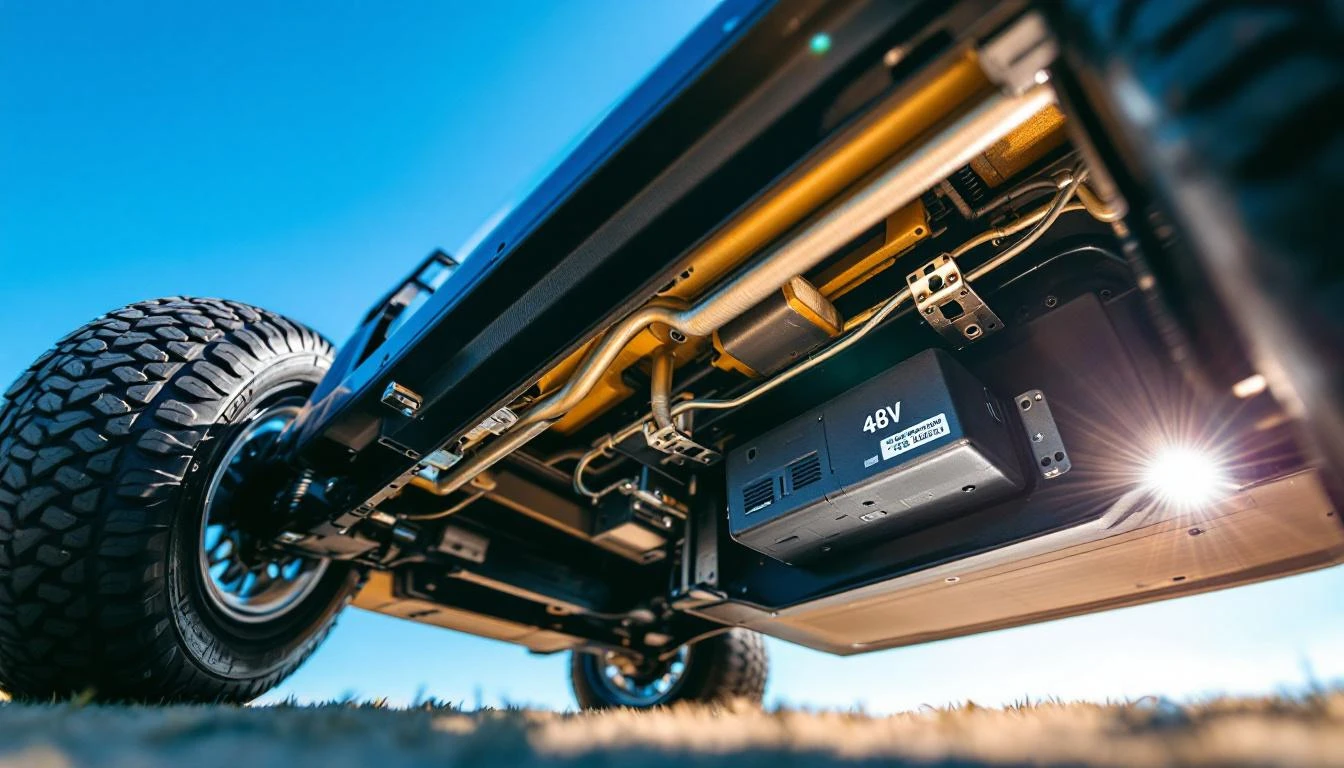
Budget $400-800 for a new controller depending on voltage (36V vs 48V) and features. Club Car IQ controllers run higher due to regenerative braking functionality. EZGO TXT controllers are more affordable at $350-500. Yamaha G29/Drive controllers with AC motors cost $600-900.
Safety Warning: Never open a controller housing. It contains high-voltage capacitors that retain deadly charges even when the cart is off. Controller replacement requires disconnecting battery power and following proper safety lockout procedures.
Difficulty: Cleaning: Easy | Replacement: Moderate-Advanced | Time: Cleaning: 20 minutes | Replacement: 1-2 hours
Are Heavy Loads or Hills Causing My Cart to Overheat?
Symptoms: Heat develops only when climbing hills or carrying 4+ passengers. No overheating on flat terrain with light loads. Slower-than-normal hill climbing, or battery gauge drops rapidly on inclines.
How to Test: Check your cart’s rated capacity—most standard golf carts are designed for 800 lbs maximum (4 people averaging 200 lbs). Add a bathroom scale to your cart and weigh your typical load.
Include passengers, golf bags, coolers, and accessories. If you’re exceeding capacity, that’s your smoking gun.
Test on varying terrain. If the cart runs cool on flat ground but heats up on hills, you’re experiencing normal load stress—but chronic overheating indicates your batteries or motor can’t handle the demand anymore.
How to Fix: Immediate relief: Reduce load and avoid steep inclines during hot weather. Long-term solution: Upgrade to a higher-capacity system.
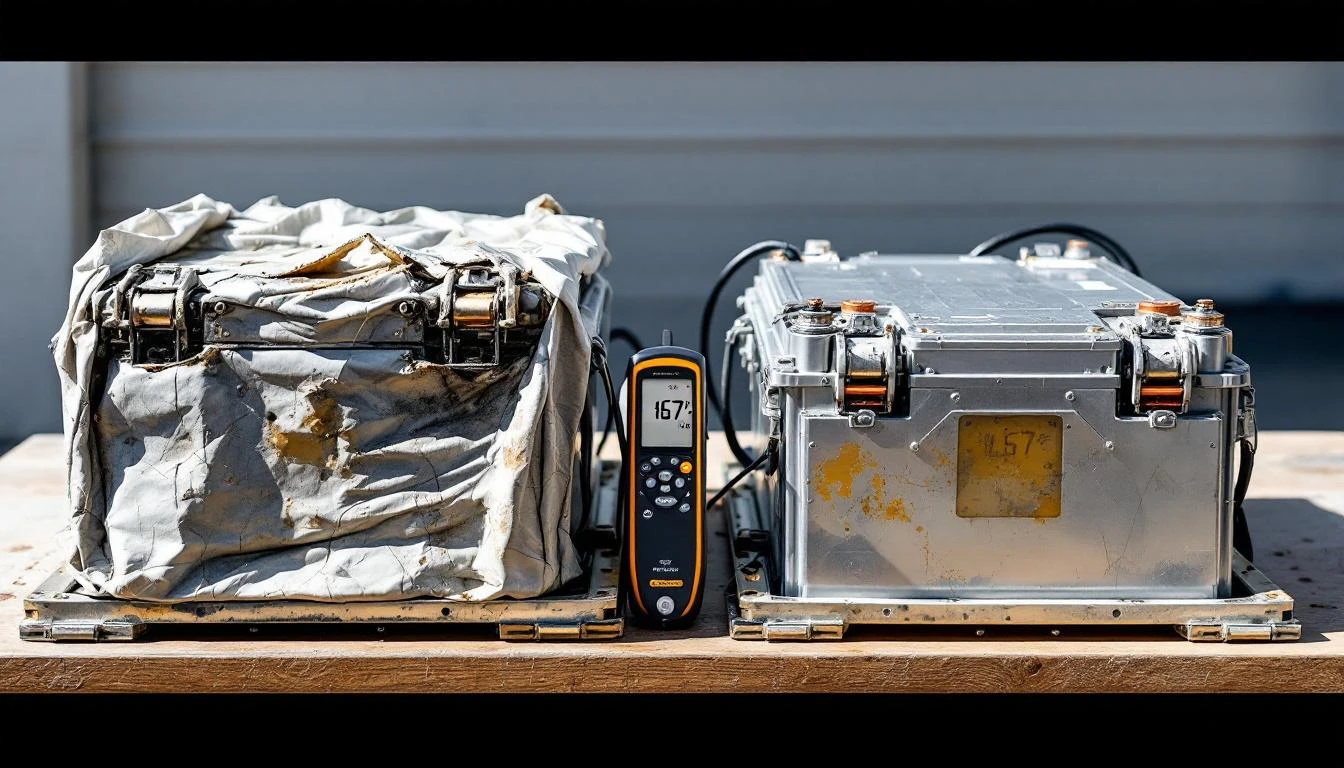
Consider upgrading from 36V to 48V, which provides 33% more power and reduces current draw (less current = less heat). This requires new batteries, controller, and potentially a motor.
For frequent hill use or heavy loads, consider a high-torque motor upgrade. These motors deliver more pulling power at lower RPMs, reducing strain and heat. A 48V 5HP high-torque motor costs $600-800 but makes dramatic differences on hilly terrain.
Check tire pressure monthly. Under-inflated tires increase rolling resistance by 20-30%, forcing the motor to work harder. Maintain 18-22 PSI for standard golf cart tires (check your sidewall for exact specs).
Difficulty: Tire pressure: Easy | Voltage upgrade: Advanced (professional recommended) | Time: Tire check: 10 minutes | Full upgrade: 6-8 hours
Is Poor Ventilation Trapping Heat in My Golf Cart?
Symptoms: Overheating started after installing an enclosure, under-seat storage, or aftermarket accessories. Heat concentrated in the motor compartment. No overheating with enclosure removed.
How to Test: Remove any aftermarket enclosures, seat covers, or storage units. Run the cart for 15 minutes and monitor temperatures.
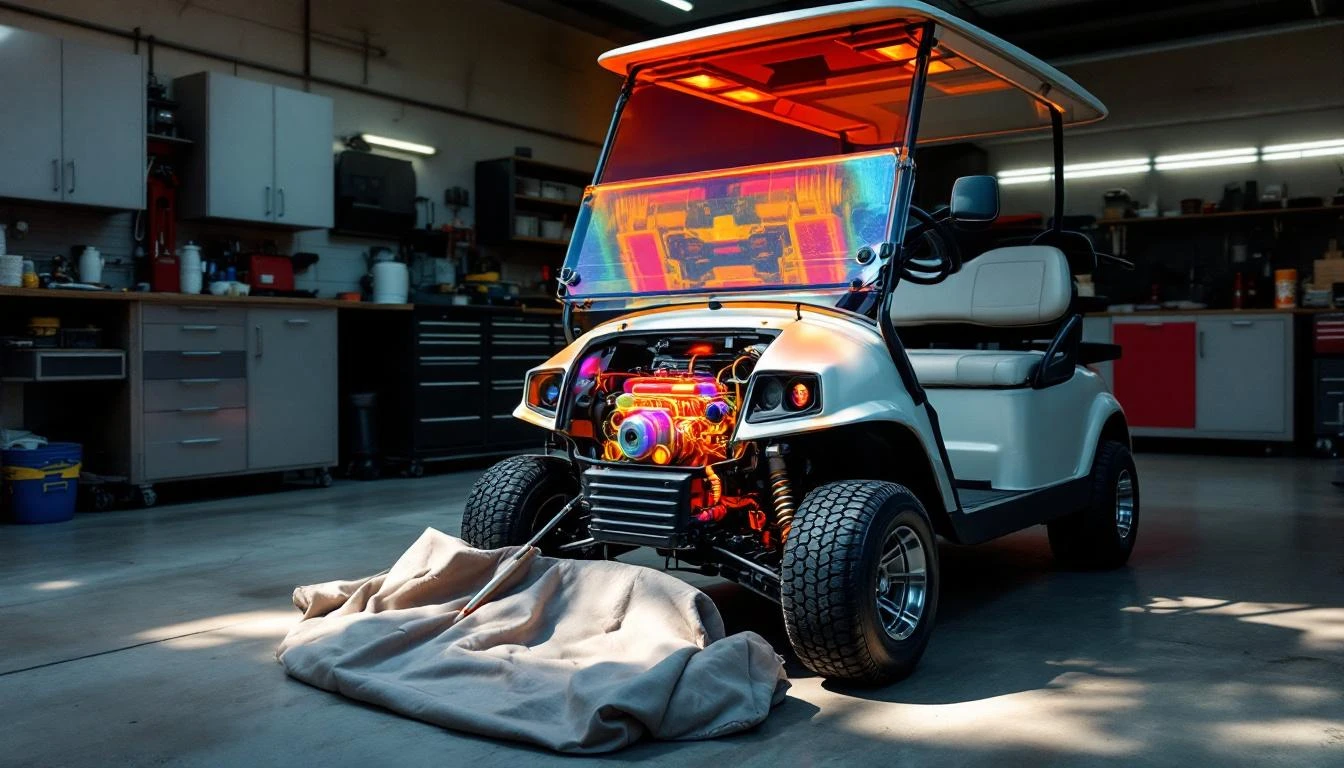
If overheating disappears, you’ve found your culprit. Golf cart electrical systems generate significant heat during operation—they’re designed with specific airflow paths. Blocking these paths is like running your car with a blanket over the engine.
Inspect the motor area for debris accumulation. Grass clippings, leaves, and mud can cake onto the motor housing and block cooling fins. Check the controller mounting location for blocked vents.
How to Fix: For enclosures: Look for ventilated models specifically designed for golf carts. These include mesh panels or vents positioned to maintain airflow while providing weather protection.
If your current enclosure is solid vinyl, cut 4-6 inch ventilation panels at strategic locations—under the seat area and near the motor compartment. Install screen mesh to keep debris out.
Clean motor and controller areas quarterly—monthly if you operate in dusty or grassy conditions. Use compressed air and soft brushes. Never pressure-wash electrical components; water intrusion causes shorts and corrosion.
For under-seat storage: Ensure at least 3 inches of clearance above the controller and batteries. Heat rises—items placed directly on top of batteries or controllers trap heat and accelerate component failure.
Difficulty: Easy | Time: 30 minutes for cleaning and inspection
When Should I Call a Professional?
Some overheating situations exceed DIY capabilities and require professional diagnosis:
- Intermittent overheating with no pattern: Random heat episodes suggest complex electrical faults in wiring, solenoids, or the controller’s internal components. These require diagnostic equipment beyond multimeters.
- Melted wiring or connectors: If you discover melted insulation, burned connectors, or discolored wires, you have a serious electrical fault. Continuing to operate the cart risks fire. A professional should trace the entire electrical system to find high-resistance connections or shorts.
- Multiple component failures: If you’ve replaced batteries and the motor still overheats, or if the controller was replaced but problems persist, there’s likely an underlying issue like incorrect voltage matching, poor crimped connections, or incompatible upgraded parts.
- Post-accident overheating: If overheating started after collision damage, flood exposure, or rollover, hidden damage to wiring harnesses, motor mounts, or frame grounds might be the cause. Professional inspection prevents catastrophic failure.
- You lack tools or confidence: Working with 36-48V systems requires safety knowledge. Battery terminal shorts can arc-weld tools to terminals. Improper controller installation can destroy $800 components instantly. If you’re uncomfortable with electrical work, hire a certified cart technician. A diagnostic visit typically costs $75-125.
Prevention Tips: Keep Your Golf Cart Running Cool
Preventing overheating costs far less than repairing heat damage. Build these habits into your maintenance routine:
Monthly Checks
- Battery water levels: Flooded lead-acid batteries need distilled water. Check each cell monthly, more often in summer. Low water levels expose plates, causing sulfation, reduced capacity, and overheating. Fill to 1/4 inch below the cap bottom.
- Tire pressure: Check all four tires. Under-inflation creates rolling resistance that makes motors work 20-30% harder. Keep pressure at manufacturer specs (usually 18-22 PSI).
- Visual inspection: Look for debris accumulation around motor, controller, and battery areas. Remove grass, leaves, and dirt before they block cooling airflow.
- Connection tightness: Loose battery cable connections create resistance—resistance creates heat. Wiggle all battery terminals. If any move, tighten the connectors. Clean corrosion with a wire brush and baking soda solution.
Seasonal Maintenance
- Spring preparation: After winter storage, perform a complete battery test. Charge fully, then test individual voltages under load. Replace weak batteries before summer heat stresses them to failure.
- Summer precautions: Operate during cooler morning/evening hours when possible. Avoid prolonged idling in direct sunlight—batteries heat from ambient temperature plus charging heat. Park in shade. Consider a cooling system upgrade if you operate in desert climates or extreme heat.
- Fall cleaning: Deep-clean all electrical compartments. Compressed air, brushes, and electrical contact cleaner remove accumulated summer dust and debris that will trap winter moisture.
- Winter storage (for seasonal users): Fully charge batteries before storage. Disconnect the main negative cable. Store in a climate-controlled space if possible—freezing temperatures can crack discharged batteries. Trickle-charge monthly to prevent sulfation.
Smart Operating Habits
- Respect weight limits: Your cart’s 800-lb capacity isn’t a suggestion. Chronic overloading accelerates wear on every component and guarantees premature failure.
- Moderate acceleration: Jackrabbit starts pull maximum current and generate maximum heat. Smooth, gradual acceleration reduces electrical stress by 40%.
- Hill strategy: On long climbs, use a steady pace rather than flooring the accelerator. If the motor smells hot or the cart slows significantly, stop and let it cool for 5 minutes. Ten minutes of cooling prevents hours of repair.
- Charge properly: Always use a charger matched to your voltage and battery chemistry. Undercharging causes sulfation; overcharging causes water loss and heat damage. Automatic smart chargers prevent both issues and cost $200-400—cheap insurance for $1,000 battery packs.
Upgrade Considerations
If you consistently push your cart’s limits, consider these preventive upgrades:
- High-capacity batteries: Premium deep-cycle batteries (Trojan T-875, Crown CR-220) deliver more amp-hours with better heat resistance than economy batteries. They cost 30-40% more but last 50-70% longer under heavy use.
- Ventilated battery boxes: Aftermarket battery box vents improve airflow around batteries, reducing heat buildup by 15-20°F during charging and operation.
- Motor fan kits: Bolt-on cooling fans force air across motor housings, dropping operating temperatures by 20-30°F. Particularly valuable for carts used in hilly terrain or hot climates. Cost: $60-120.
- Temperature monitoring: Digital temperature gauges ($40-80) mount on the dash and alert you when motor or controller temps exceed safe limits—before damage occurs.
Frequently Asked Questions
What temperature is too hot for a golf cart motor?
Electric golf cart motors should operate below 175°F during normal use. Between 175-200°F indicates a problem that needs attention. Above 200°F risks permanent damage to motor windings, commutator, and brushes. If your motor exceeds 200°F, stop operating immediately and diagnose the cause. Gas cart engines run hotter by design—180-220°F is normal operating range, but above 240°F indicates cooling system problems.
Can I pour water on my golf cart motor to cool it down?
Never pour water on an electric motor—water causes electrical shorts, corrosion, and can crack hot metal components from thermal shock. Instead, turn off the cart and let it cool naturally in a shaded area for 20-30 minutes. For gas carts, never pour water directly on the engine. If you must cool it faster, aim a fan at the motor from several feet away. Address the root cause rather than treating symptoms.
Why do my golf cart batteries get hot while charging?
Batteries generate heat during charging—this is normal electrochemistry. They should feel warm (90-110°F) but not hot to touch. Temperatures above 125°F during charging indicate problems: sulfated batteries, incorrect charger settings, or failing batteries. Check that your charger matches your battery voltage and type (flooded vs AGM vs lithium). Sulfated batteries resist charging, converting excess energy to heat instead of stored charge. If batteries consistently overheat during charging, test each battery’s capacity and replace weak cells.
Is it normal for my golf cart to overheat in summer?
Slight temperature increases in summer are normal—heat reduces battery efficiency and increases resistance throughout electrical systems. However, overheating that limits use or triggers shutdowns is not normal and indicates an underlying problem. Healthy carts should operate all day in 95°F ambient temperatures without overheating. If summer heat causes problems, your batteries are likely aging, your motor needs service, or ventilation is inadequate. Don’t blame the weather—fix the weak component before heat causes permanent damage.
How long should I let my golf cart cool down after overheating?
Allow 30-45 minutes of complete rest after an overheating episode. Motor housings and battery packs retain heat for extended periods—their mass takes time to dissipate stored thermal energy. Park in shade with good airflow. Don’t restart the cart when components still feel hot to touch. Use this cooling time to identify the cause: check battery voltages, inspect for debris blockages, and verify tire pressure. Repeated overheating without addressing the root cause will destroy expensive components.
Will installing a lift kit cause my golf cart to overheat?
Lift kits alone don’t cause overheating, but the modifications often paired with lifts do. Larger tires increase rolling resistance and weight, forcing the motor to work harder. A 4-inch lift with 22-inch all-terrain tires can increase power demand by 30-40%. If you lift your cart, consider upgrading to a 48V system and high-torque motor to handle the additional load. Stock 36V systems will struggle and overheat with oversized tires and heavy off-road use.
Can a bad solenoid cause overheating?
Yes. The main solenoid acts as a high-current switch between batteries and motor. When solenoid contacts wear or corrode, they create resistance—resistance generates heat and reduces power to the motor. This forces the motor to draw even more current trying to maintain speed, creating a vicious cycle. A failing solenoid often clicks repeatedly, feels very hot after use, and causes sluggish acceleration. Solenoids cost $40-80 and take 20 minutes to replace. If your solenoid body exceeds 140°F during operation, replace it.
Should I upgrade to lithium batteries to prevent overheating?
Lithium batteries run significantly cooler than lead-acid batteries—they’re 95-98% efficient versus 80-85% for lead-acid. They also maintain voltage under load better, reducing motor strain. However, lithium conversions cost $2,500-4,500 for a complete system. If your cart overheats due to failing lead-acid batteries, replacing them with quality lead-acid batteries ($700-1,200) solves the problem at lower cost. Choose lithium for performance, weight savings, and longevity—not just as an overheating fix. That said, if you have the budget, lithium batteries virtually eliminate battery-related overheating issues.
Share This Article
Follow Us
Latest Articles
September 9, 2026
September 9, 2026
September 9, 2026
